Your hands are busy. Clients are waiting.
Clients can see your available times and book without waiting for a reply in your DMs.
Online bookingWhile you work with one client, the next can choose a service and an available time. Online booking, your calendar and client visit history stay together in mudro — without endless messages.
View all pricing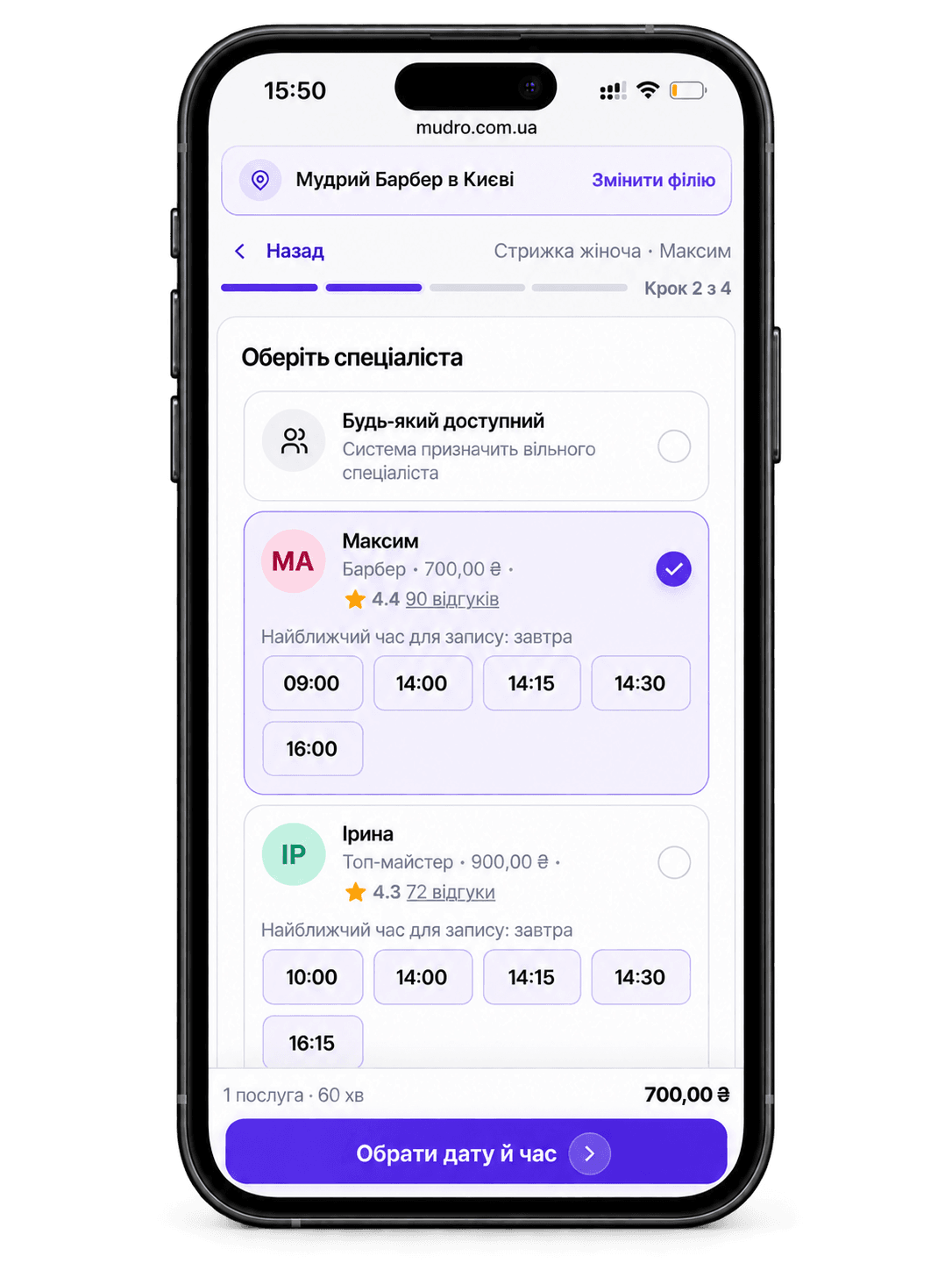
One professional is enough to get started. Add yourself as a staff member, set up your services and working hours, and open online booking.
One professional is enough to set up a complete workspace.
Give each service a name, price and duration.
Choose your working days, days off and breaks.
Put it in your Instagram bio, messaging apps or Google Business Profile.
When you work alone, you're the person providing the service, replying to messages and keeping track of upcoming visits. You shouldn't have to do everything manually.
Clients can see your available times and book without waiting for a reply in your DMs.
Online bookingReschedule appointments in your calendar and update working days or days off in your schedule.
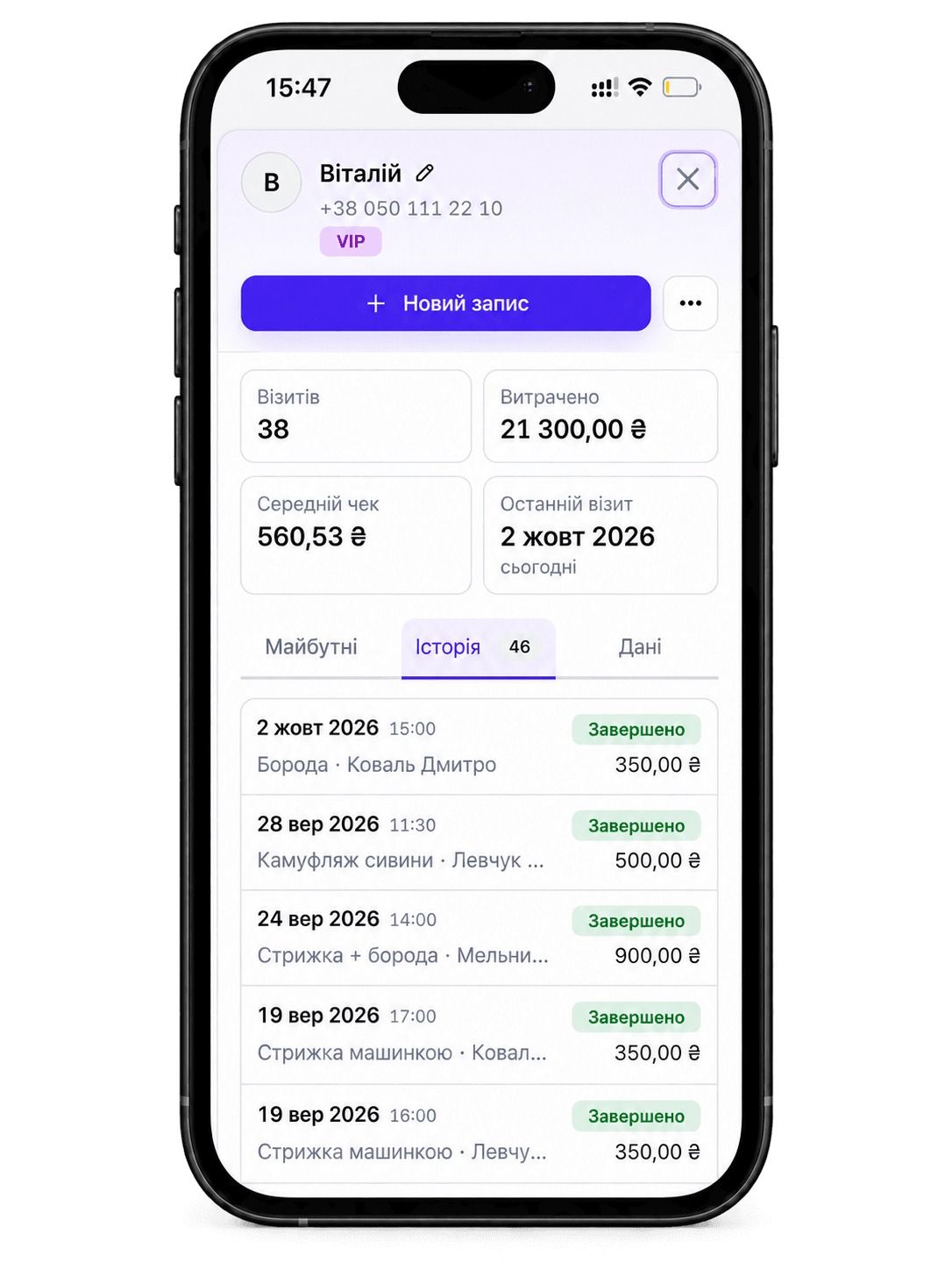
Your working hoursContact details, past visits and useful notes stay in the client's record.
Client recordsNo more copying bookings from conversations into a spreadsheet at the end of the day. Your schedule, clients and upcoming visits are right where you need them.
Give clients a booking page with your services, prices and available times. Once they book, the appointment appears in your calendar.
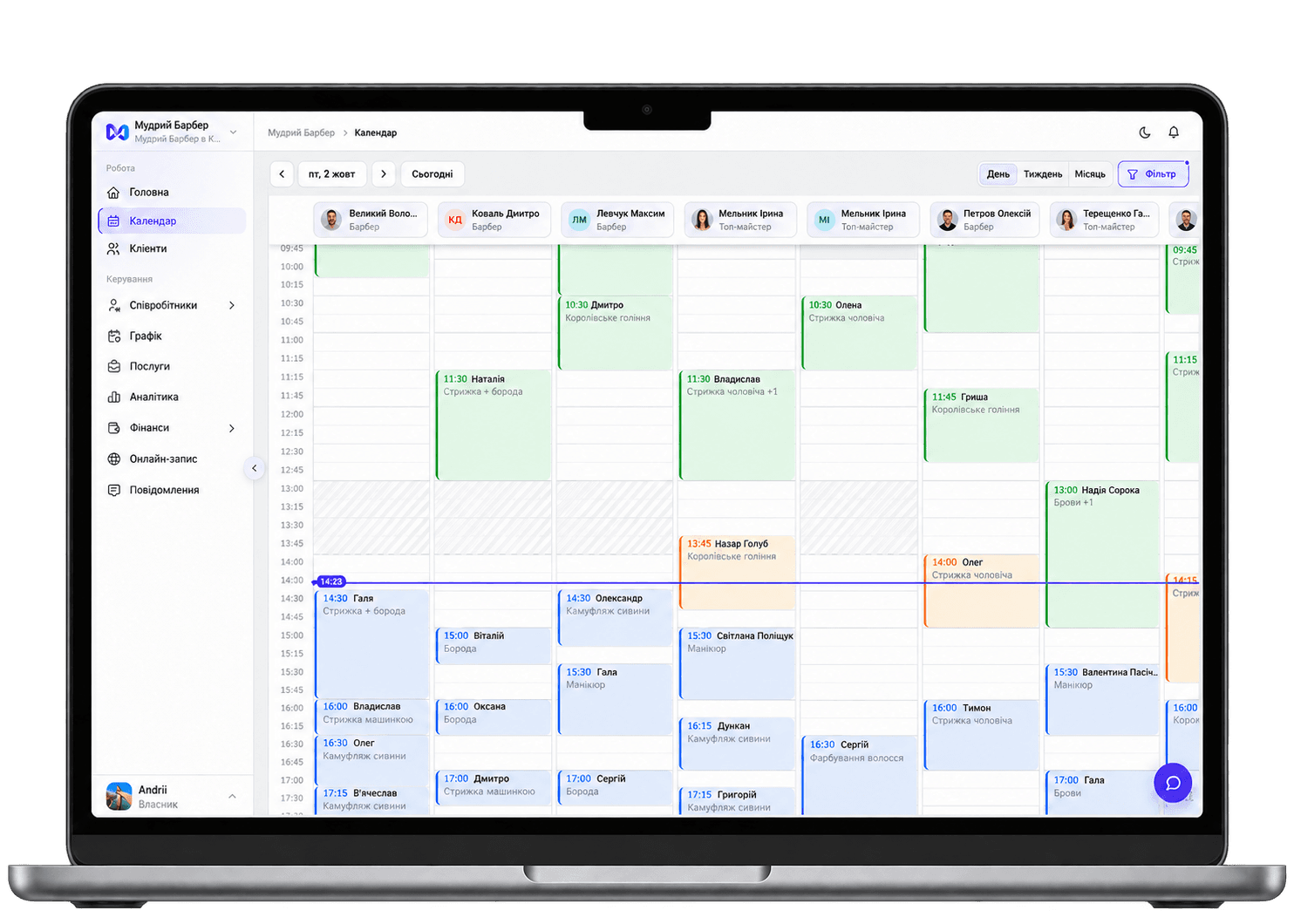
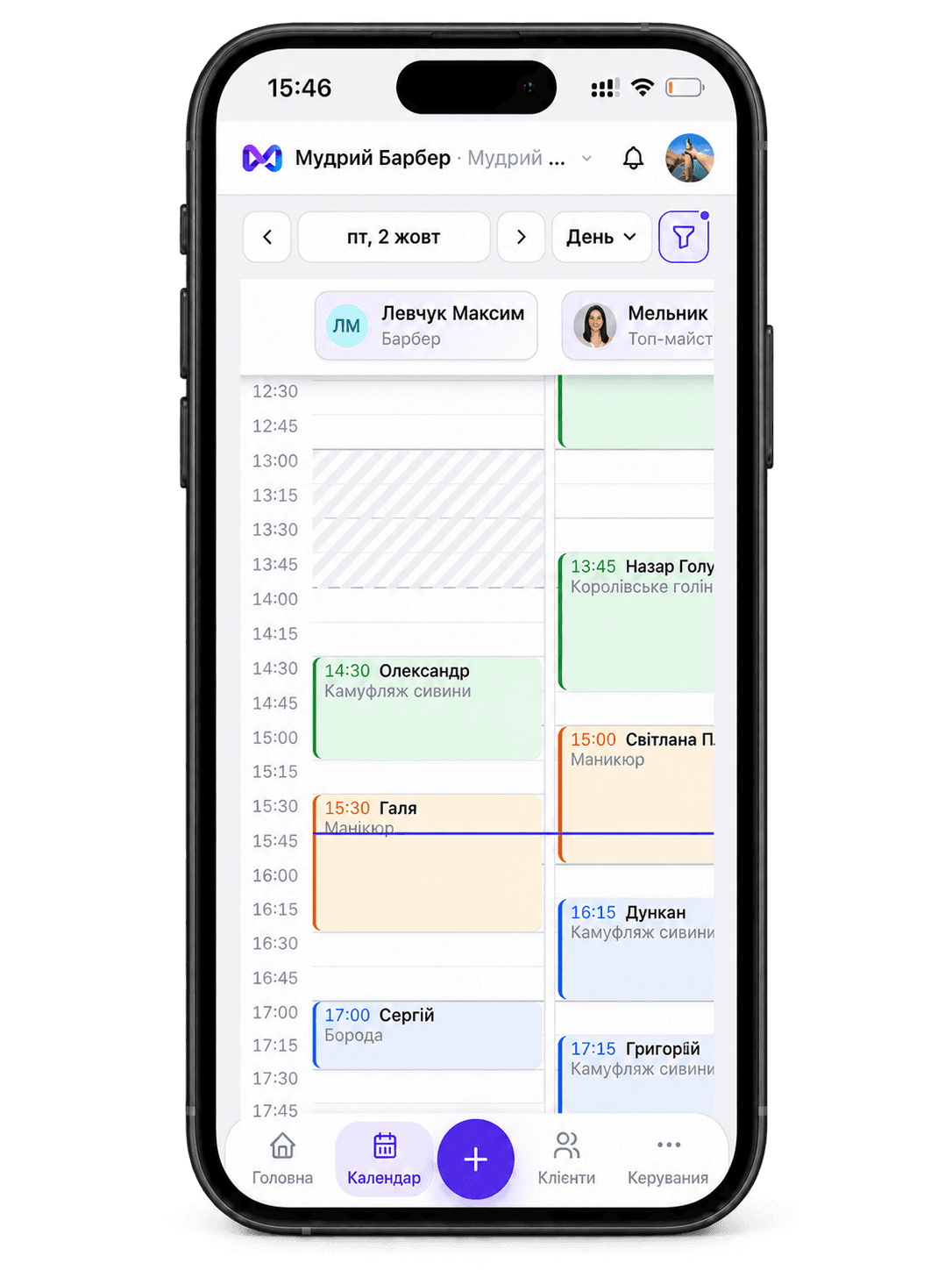
See upcoming clients, gaps and breaks in one calendar. Plans changed? Reschedule an appointment and check that your working hours are up to date.
Open a client record to check past services, notes and visit history.
Connect the services you need when your business is ready.
SMS reminders after connecting and configuring your own TurboSMS account. Messages are billed separately by the provider.
Fiscal receipts after connecting your own properly configured Checkbox cash register.
You don’t need to start with an empty database. We’ll help transfer customers, services and the available visit history from your previous system for free. Contact us — we’ll explain how to prepare the data and what can be transferred.
Whether visit history can be transferred depends on the export format of your previous CRM.Your monthly price follows the number of staff members you add. Start with one person while you work independently.
If your business grows, add more staff members and manage your team in the same workspace.
View all pricingOnline booking, a calendar, clients, staff and analytics in one workspace.
Get started for freeAnswers to common questions before moving to a CRM.
Set up your services and working hours, then let clients choose a time that suits them.
Try mudro