For clients
Choose a service, professional and time without back-and-forth messages.
Book whenever it suits themAppointments, clients, staff, schedules and revenue in one easy-to-use system. Clients can book their own services and available times online.

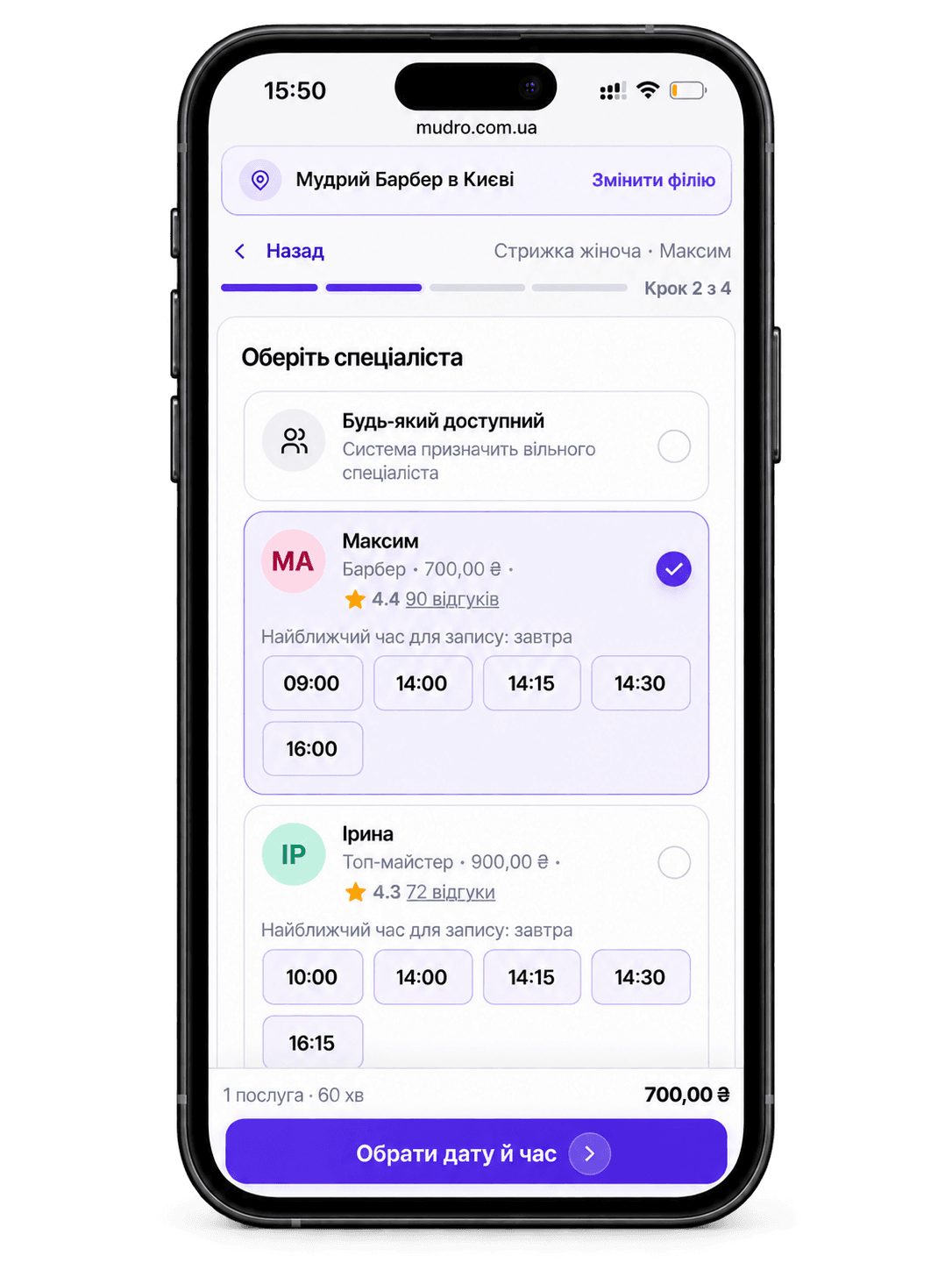
No switching between chats, spreadsheets and calendars. In mudro, each booking becomes part of your salon’s daily workflow.
Add services, staff, prices and working hours.
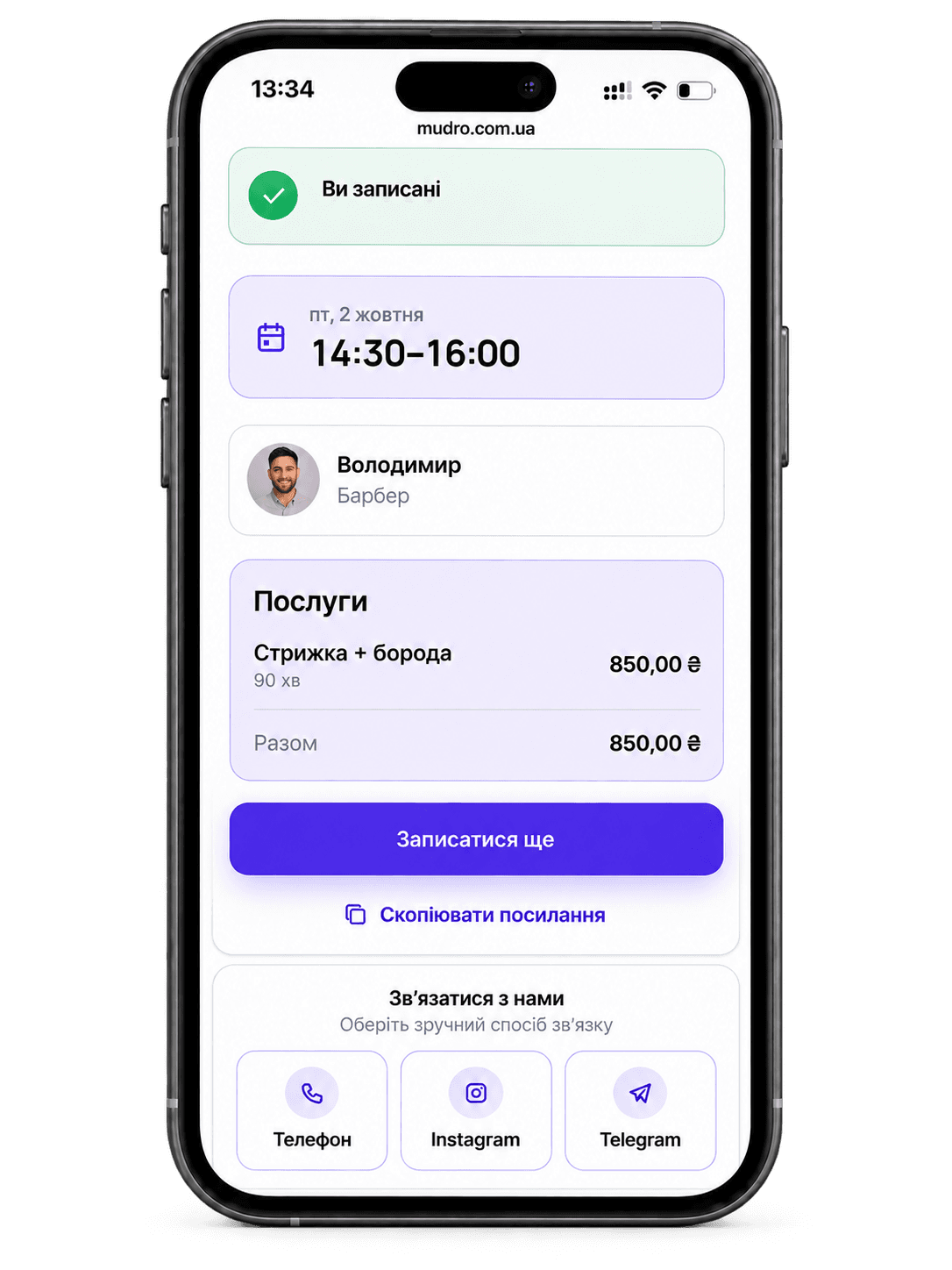
They open your link and book on their own.
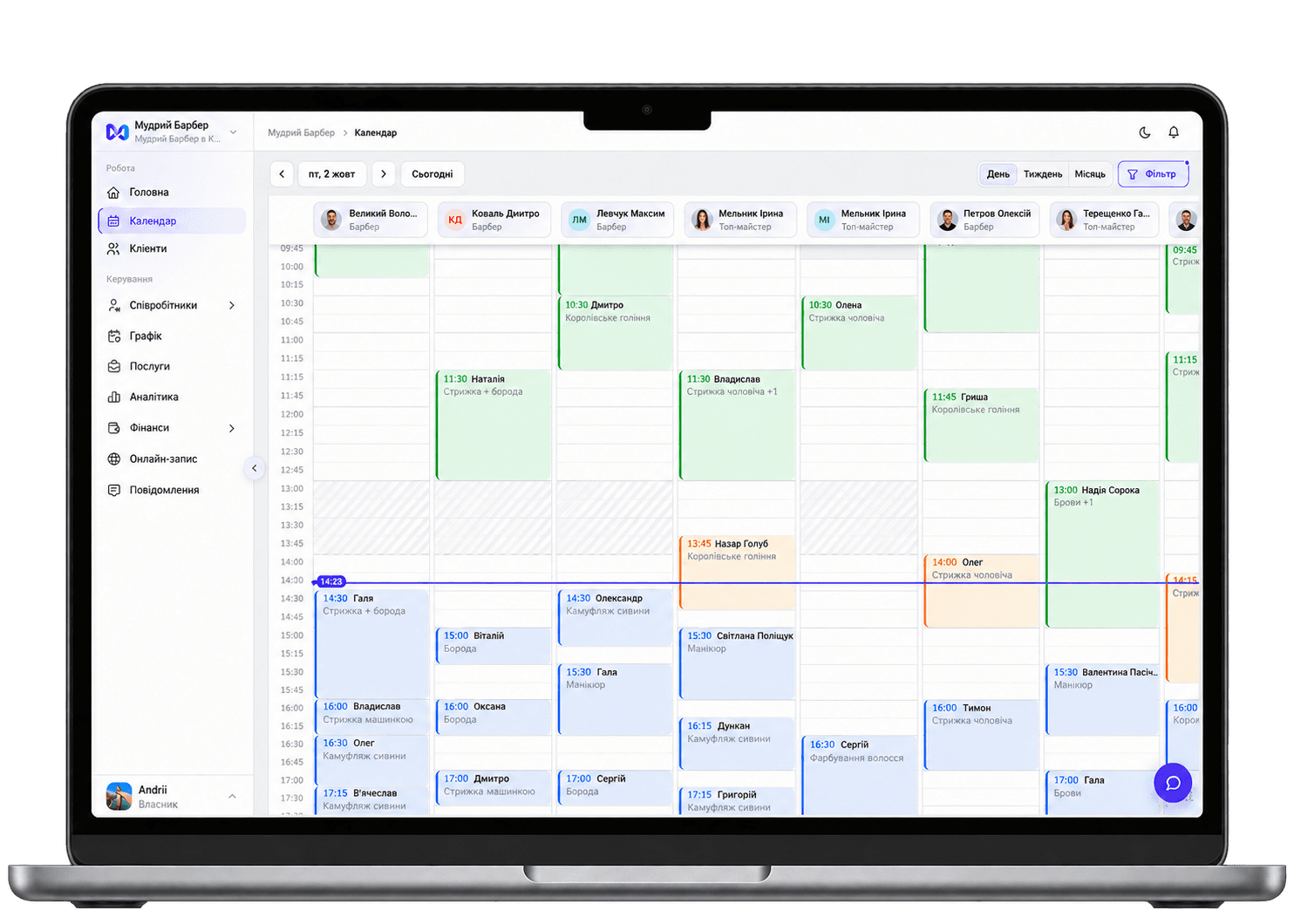
The appointment appears in the right calendar.
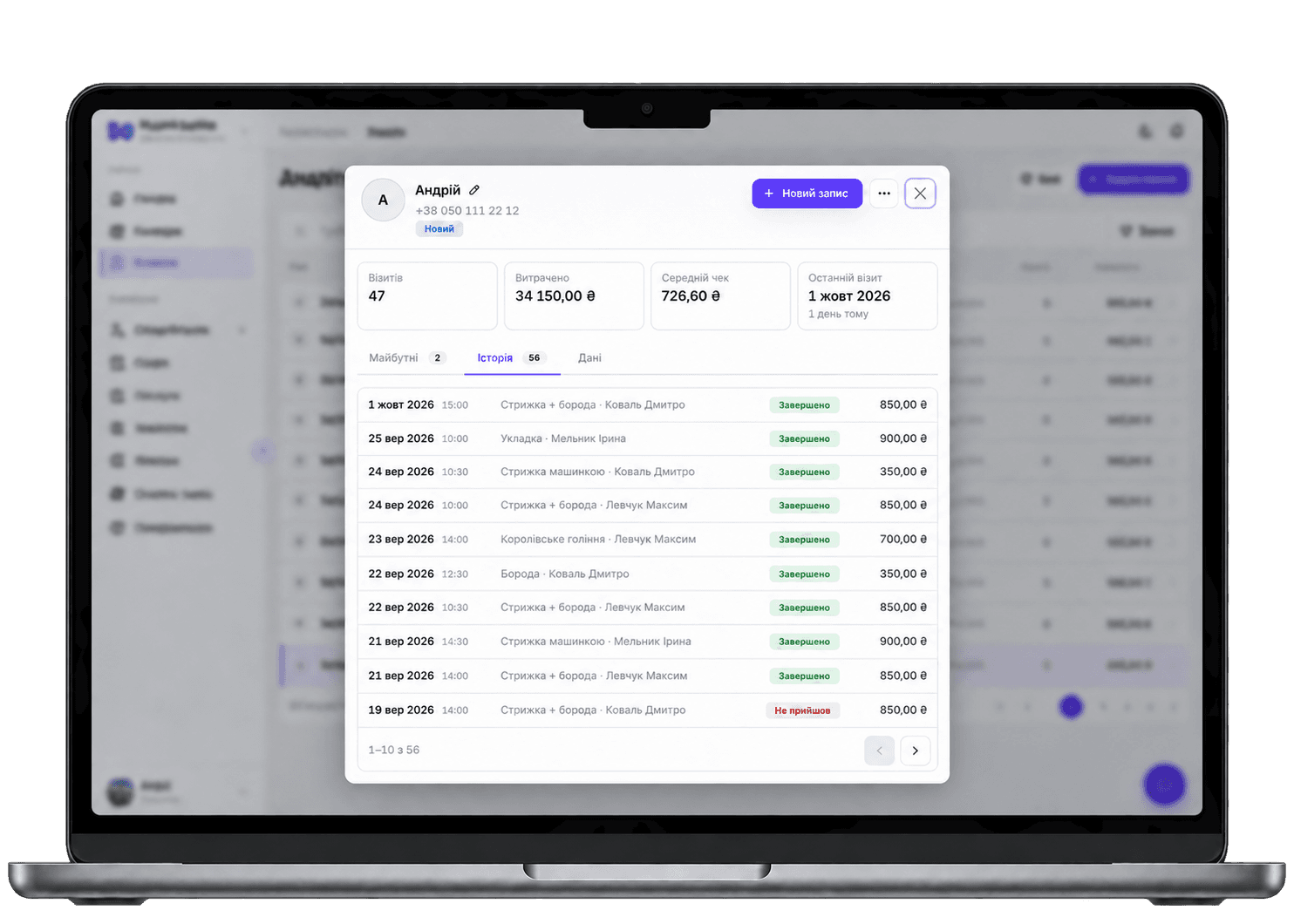
Visits, clients and results stay in one place.
One CRM, with the information each person needs for their role.
Choose a service, professional and time without back-and-forth messages.
Book whenever it suits themCheck their own schedule, review appointments and prepare for the next client.
A personal calendarSee team utilization, bookings, revenue and activity across locations.
Daily business visibilityNot just a list of features. Here is how they fit into real salon workflows.
Share a link to your booking page. Clients choose a service, specialist, date and available time — without messaging back and forth.
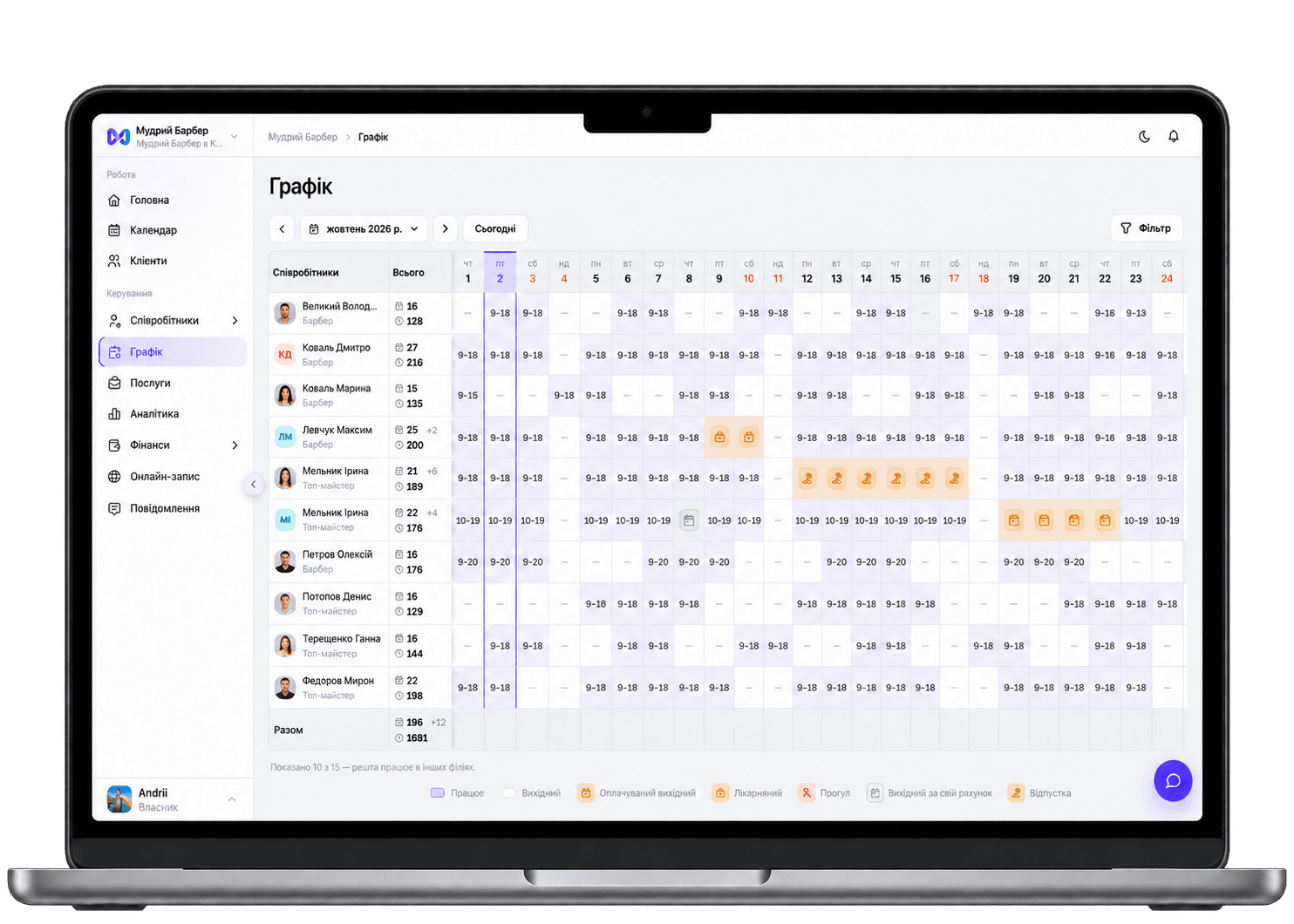
Administrators see the team calendar while professionals see their own bookings. You do not need to repeat schedule updates across different tools.
Contacts, visit history and appointment details stay together, giving your team the context they need before each visit.
Each staff member can have their own schedule and services. You can also manage multiple locations and permissions.
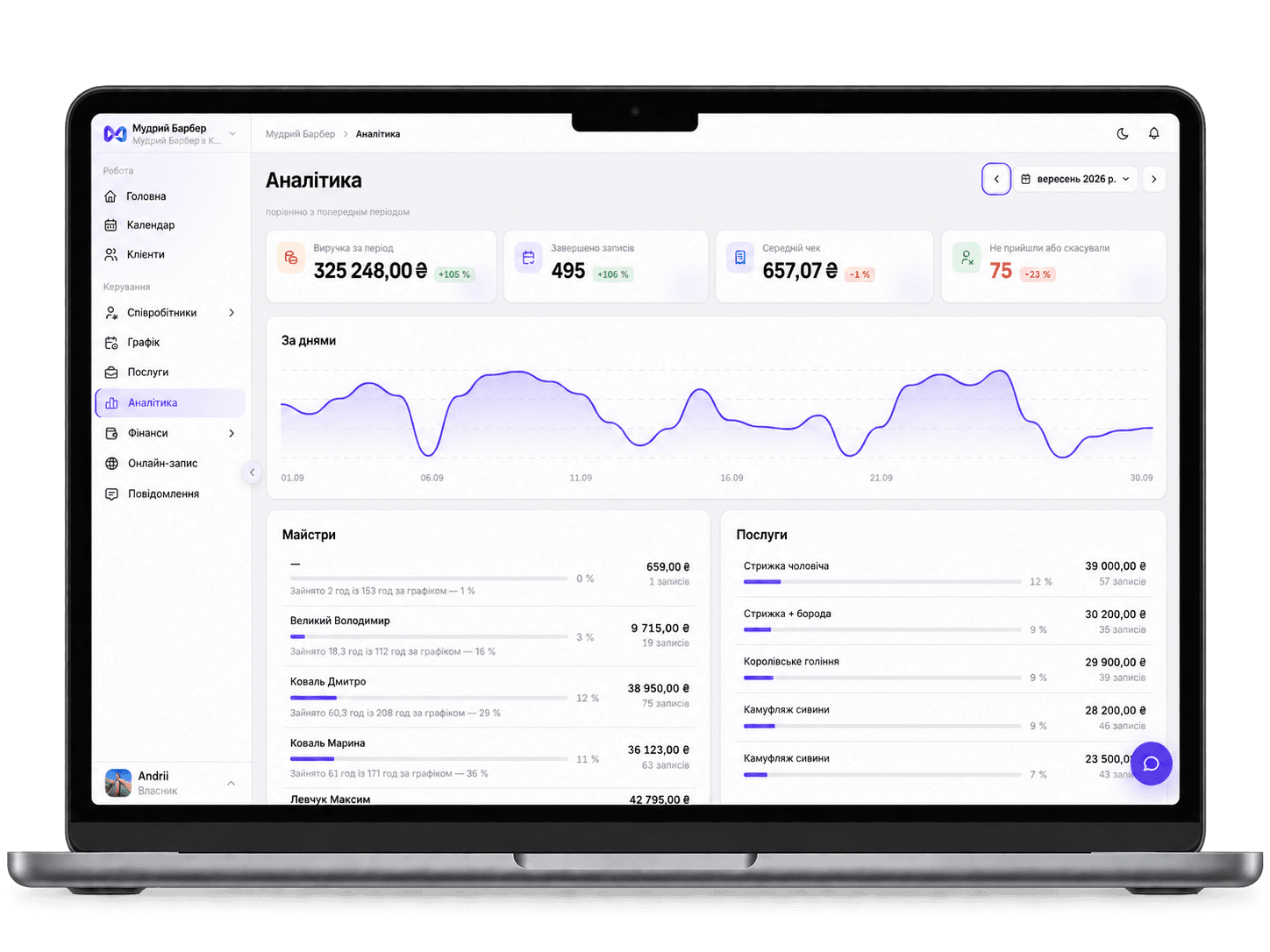
When bookings and business data live together, it is easier to understand how the team is doing and make day-to-day decisions.
Connect the services you need, so client messages and fiscal receipts fit naturally into your workflow.
Booking messages and reminders when you connect your own TurboSMS account.
Fiscal receipts and cash-register shift workflows when you configure the Checkbox integration.
You do not need to move every process in a single day. Start with your team, services and schedule, then share online booking with clients.
Get started with mudroEnter your salon’s details.
Set up services and their prices.
Choose when each professional is available.
Add it to Instagram, messages or your website.
Pay only for added team members. The more people on your team, the lower the price per person.
Set up your salon, test online booking and get comfortable with your new workflow.
Try mudroThe essentials about using mudro at a beauty salon.
Give your staff a shared calendar and your clients an easy booking experience. Try mudro in your daily work.
Try for freeCore features included from day one